Image to PDF Converter
Upload JPG, PNG, or WEBP images and generate High-Quality PDFs.
The Ultimate Free Image to PDF Converter
In today’s digital world, images are the primary way we capture and share information.
If you’ve ever struggled with multiple images scattered everywhere — like notes, receipts, screenshots, or ID cards — this tool is exactly what you need. The Image to PDF Converter by Blimic makes it super easy to turn your images (JPG, PNG, WEBP) into a clean, organized PDF file in just a few seconds.
👉 No software. No signup. No confusion. Just upload your images and get a ready-to-use PDF instantly.
What is A Image to PDF Converter?
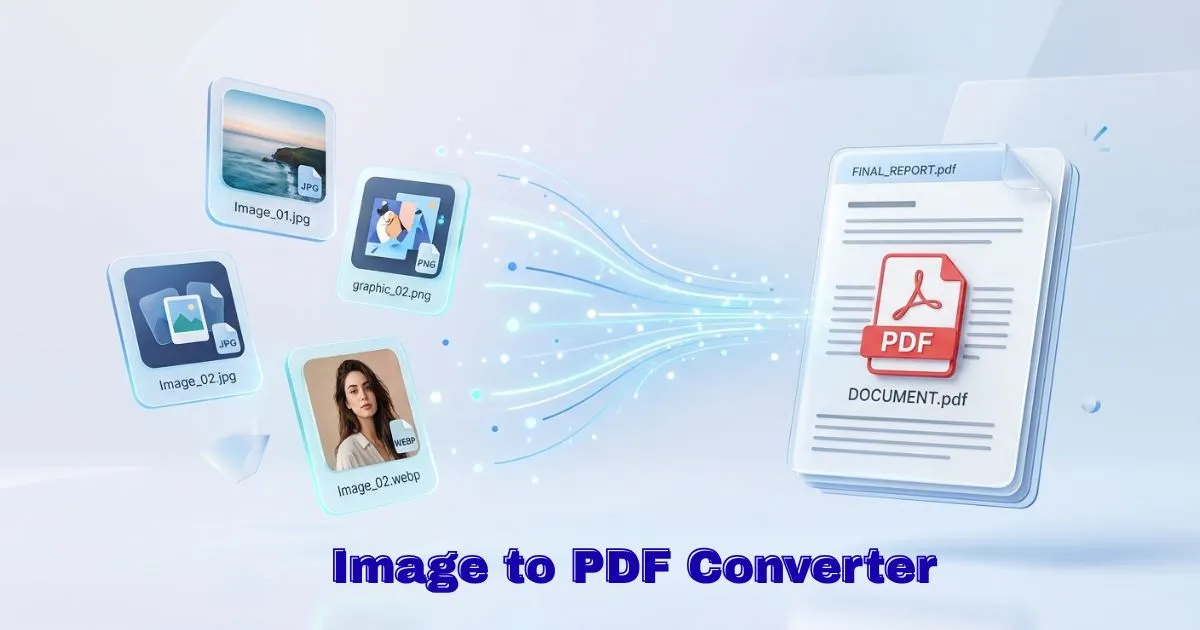
The Image to PDF Converter is a simple online tool that helps you combine one or more images into a single PDF document.
Instead of manually arranging images in Word or using heavy software like Adobe Acrobat, you can directly convert images into PDF instantly and free.
This idea is based on the same concept used by modern cloud platforms like Google Drive, where everything is simple, fast, and accessible from anywhere.
Even professional tools like Adobe Acrobat follow the same principle of converting and organizing documents into PDF format for better sharing and storage.
🔑Key Features of Our Image to PDF Converter
100% Private & Secure
Your files are never uploaded anywhere. That means: –
- No file tracking
- No server storage
- No data leaks
Your privacy stays completely in your control. 🔐
Fast & Instant Conversion
Since there is no upload process, conversion happens instantly. This makes it perfect for quick tasks like:
- creating reports
- submitting assignments
- sharing documents
High-Quality PDF Output
Your images are automatically adjusted to fit standard A4 PDF format without losing clarity. So the final result always looks: – clean, readable and professional.
Supports Multiple Image Formats
You can upload: –
- JPG / JPEG
- PNG
- WEBP
No need for extra conversion tools..
No Watermark, No Branding
Your final PDF remains completely clean and professional — no logos or watermarks added.
.
How to Use Our Image to PDF Converter?
Using this tool is very simple. Even if you’re not tech-savvy, you’ll figure it out in seconds. just follow this steps 👇
Step 1 – Upload Images
Click on the upload box or simply drag and drop your images.
You can upload multiple files at once.
Step 2 – Arrange Your Files
After uploading, all images will appear in a preview section.
You can:
- fix mistakes easily
- reorder images
- remove unwanted ones
Step 3 – Choose Conversion Mode
Now select how you want your PDF:
You can select:
- Merge all images into a single PDF
- Or create separate PDFs for each image
Step 4 – Convert & Download
Now Click the convert button and your PDF will be ready in seconds. ⌚
Just download it and use it anywhere — email, WhatsApp, or official submissions.
Where You Can Use This Tool
This tool is useful in many real-life situations: –
🎓 Students
Convert notes, assignments, and handwritten work into PDF in just a second.
💼 Professionals
Create reports, invoices, and documentation easily.
🏢 Businesses
Combine product images, contracts, and proposals.
🏠 Personal Use
Save travel documents, receipts, and important photos.